
How to Change Your Password in ReplyRush
You can change your password in ReplyRush at any time — either while logged in or if you’ve forgotten it.
If you signed up using Google, Apple, or Facebook Login, you may not have a password set. In that case, you’ll need to create one first using the Forgot Password option before you can change it.
You can access ReplyRush on multiple platforms:
- Main Website: https://www.replyrush.com
- Web Login/Registration: https://app.replyrush.com
- iOS App: Download on App Store
- Android APK: Download APK
Step-by-Step Guide
Change Your Password While Logged In
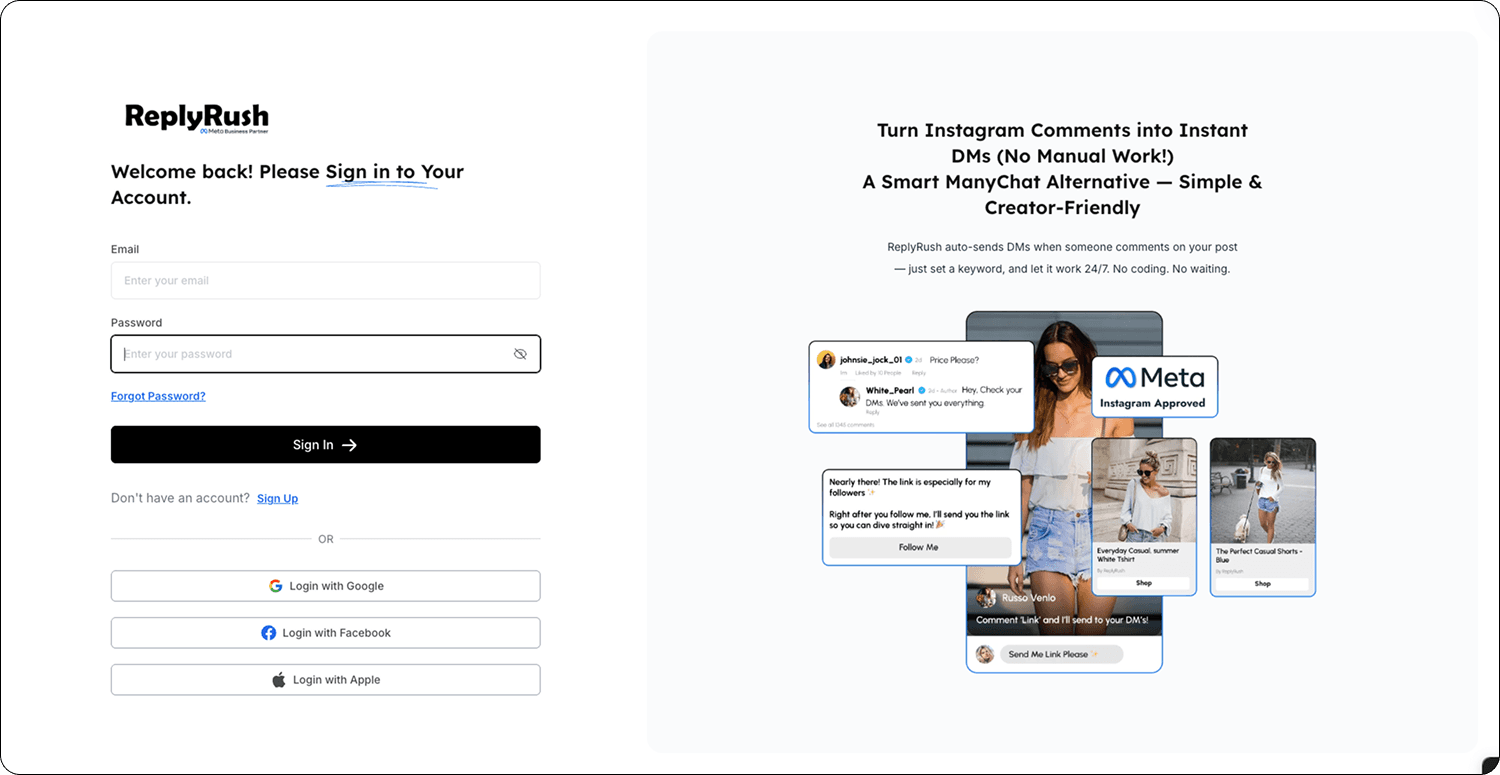
- Log in to your ReplyRush account via https://app.replyrush.com or the mobile app.
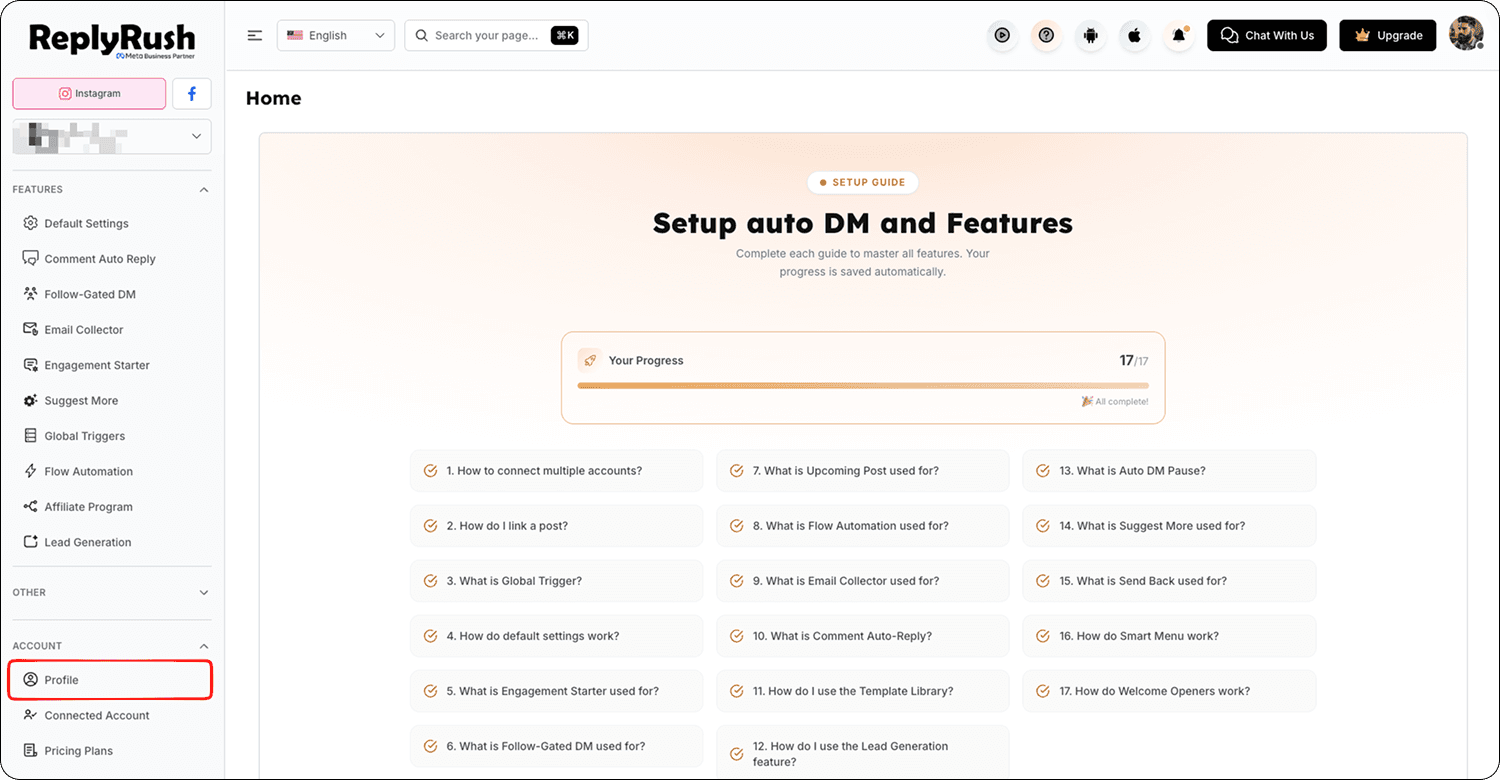
- Open the sidebar and click on your Profile.
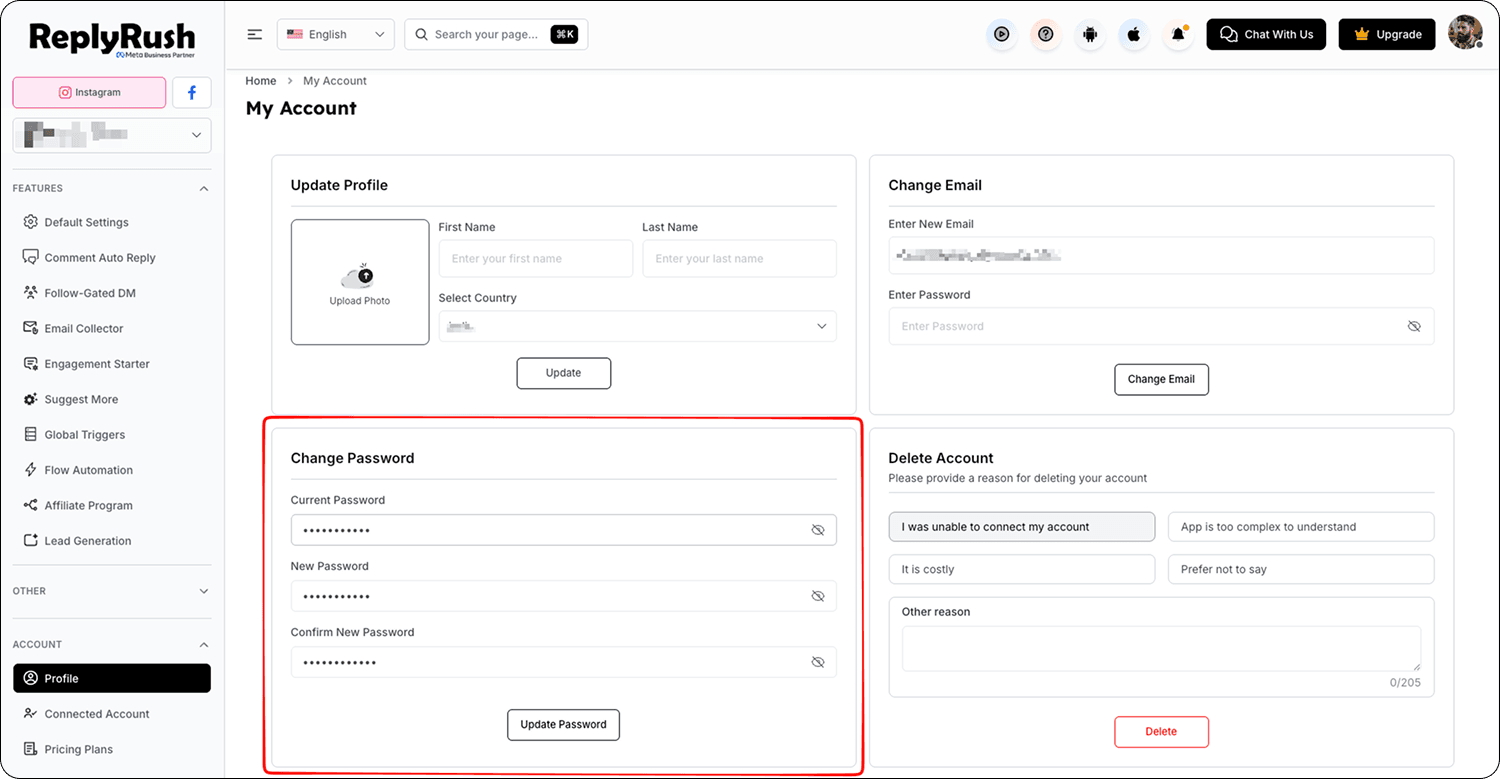
- Look for the Change Password option.
- Enter your current password, then enter your new password.
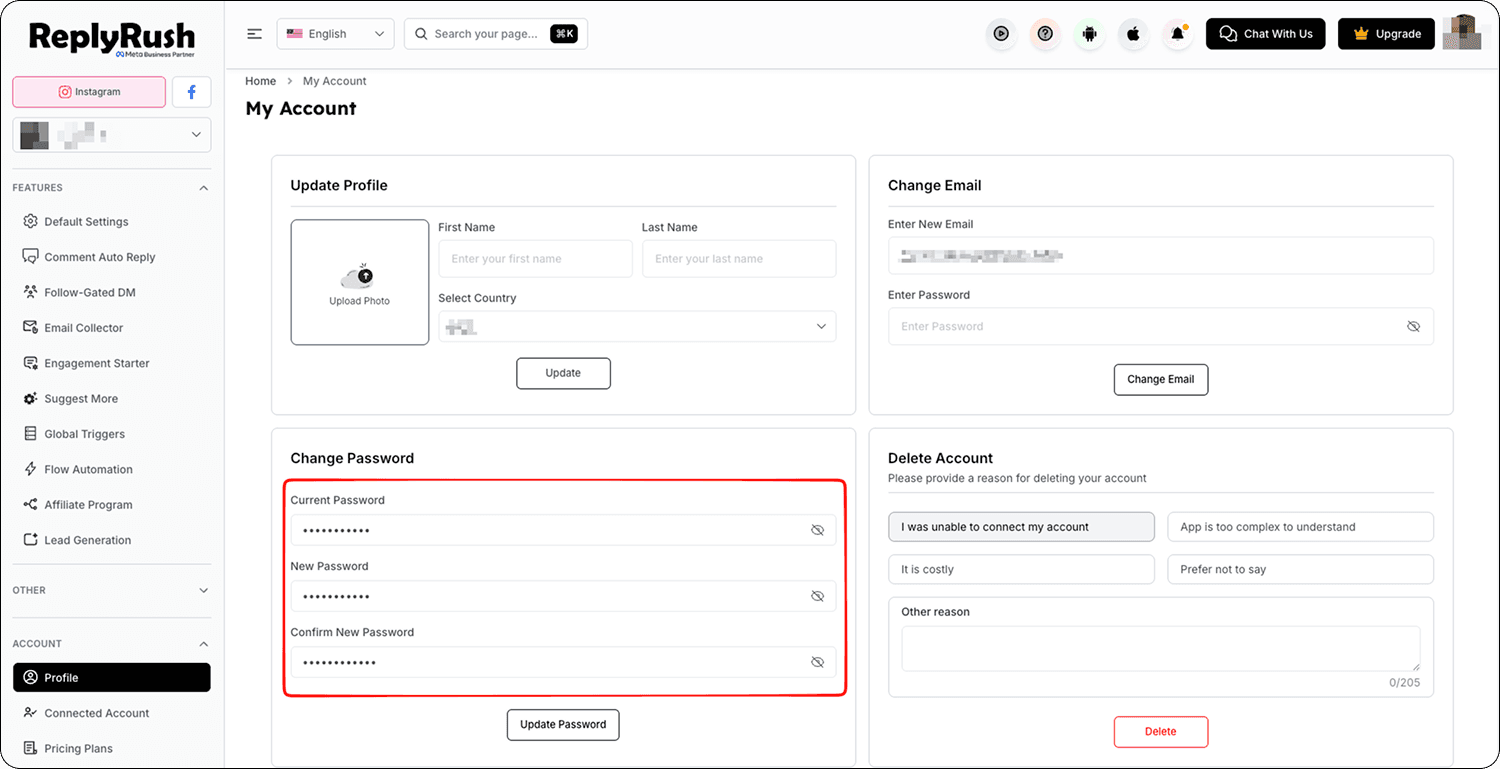
- Click Update Password to update your password.
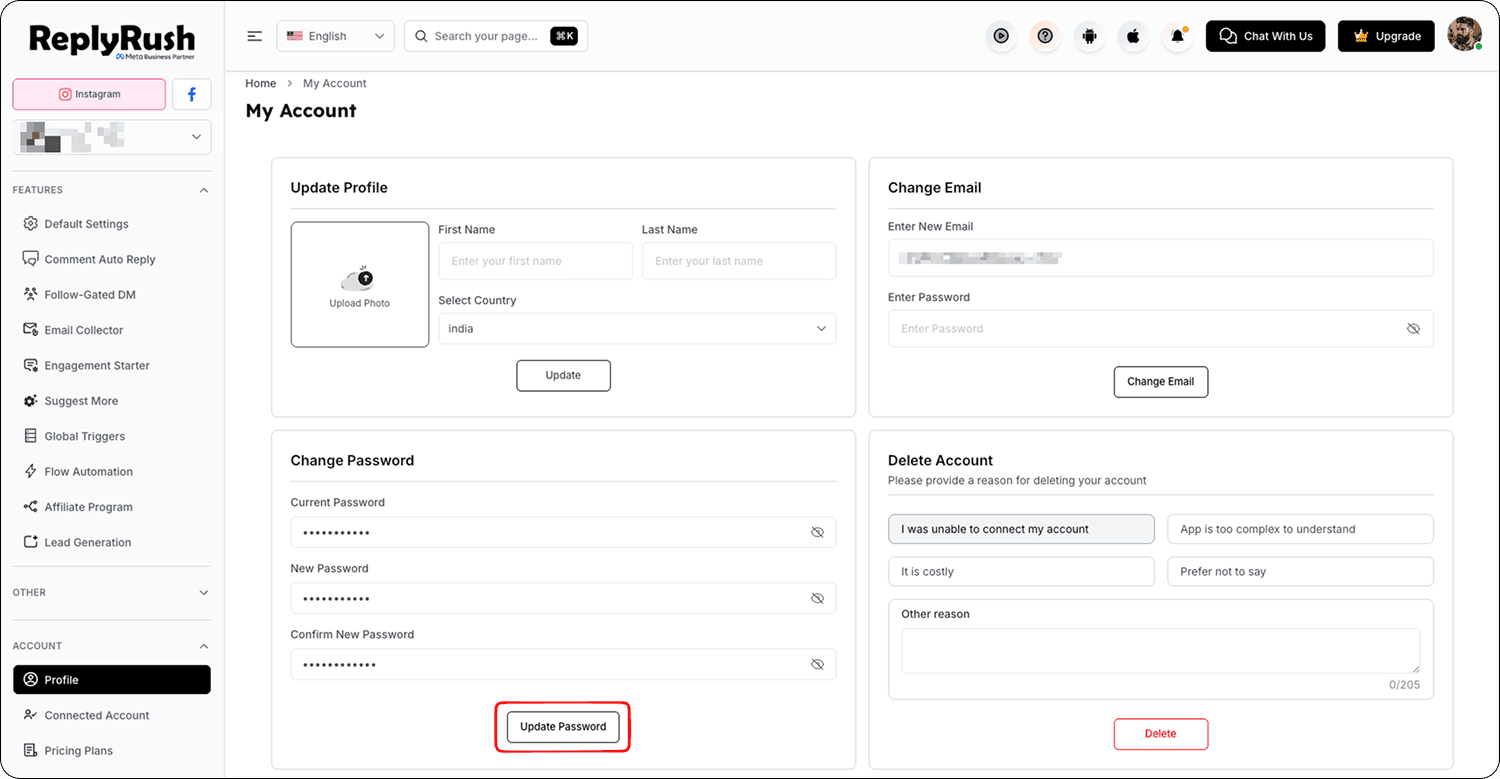
Reset Your Password if You’re Logged Out
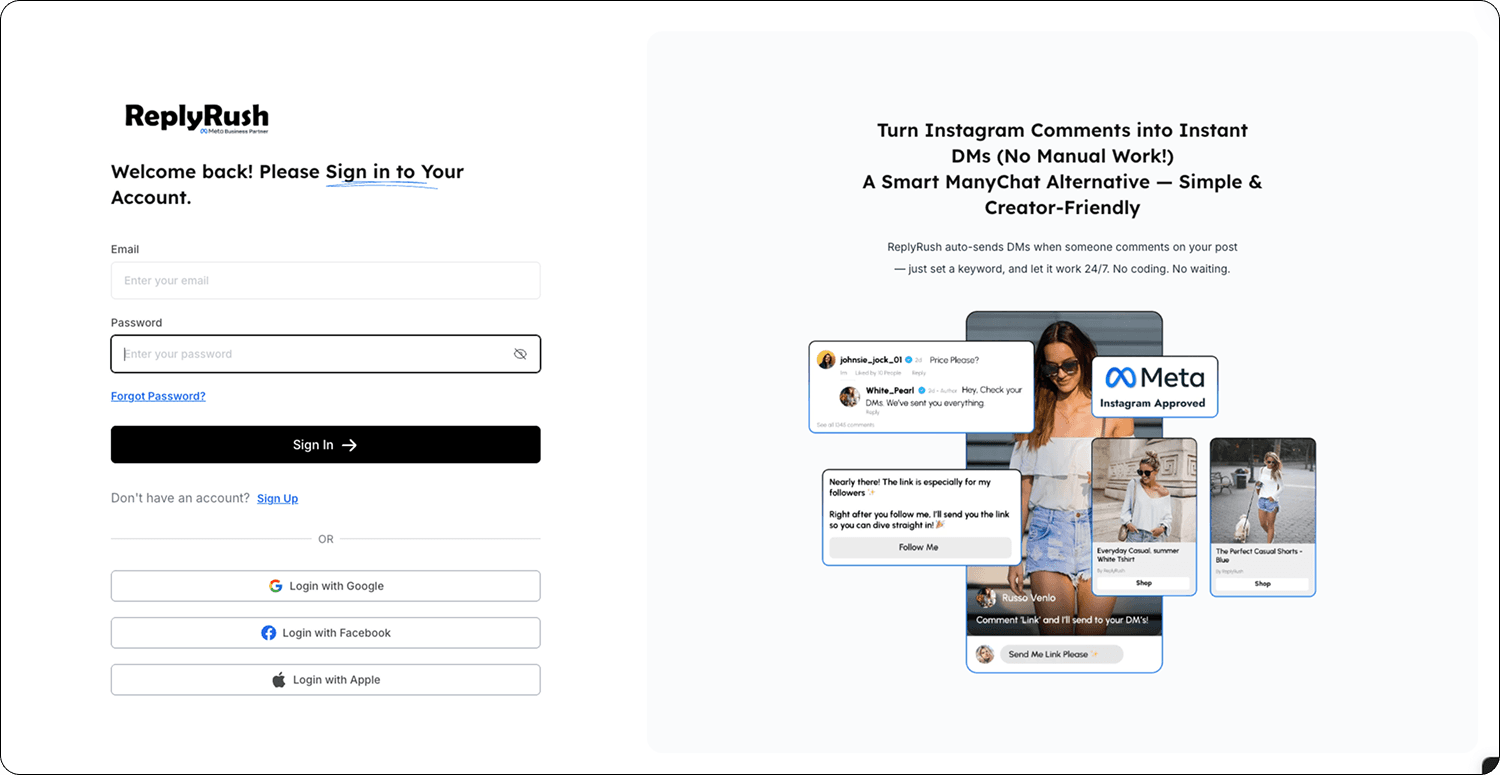
- Go to the login page: https://app.replyrush.com.
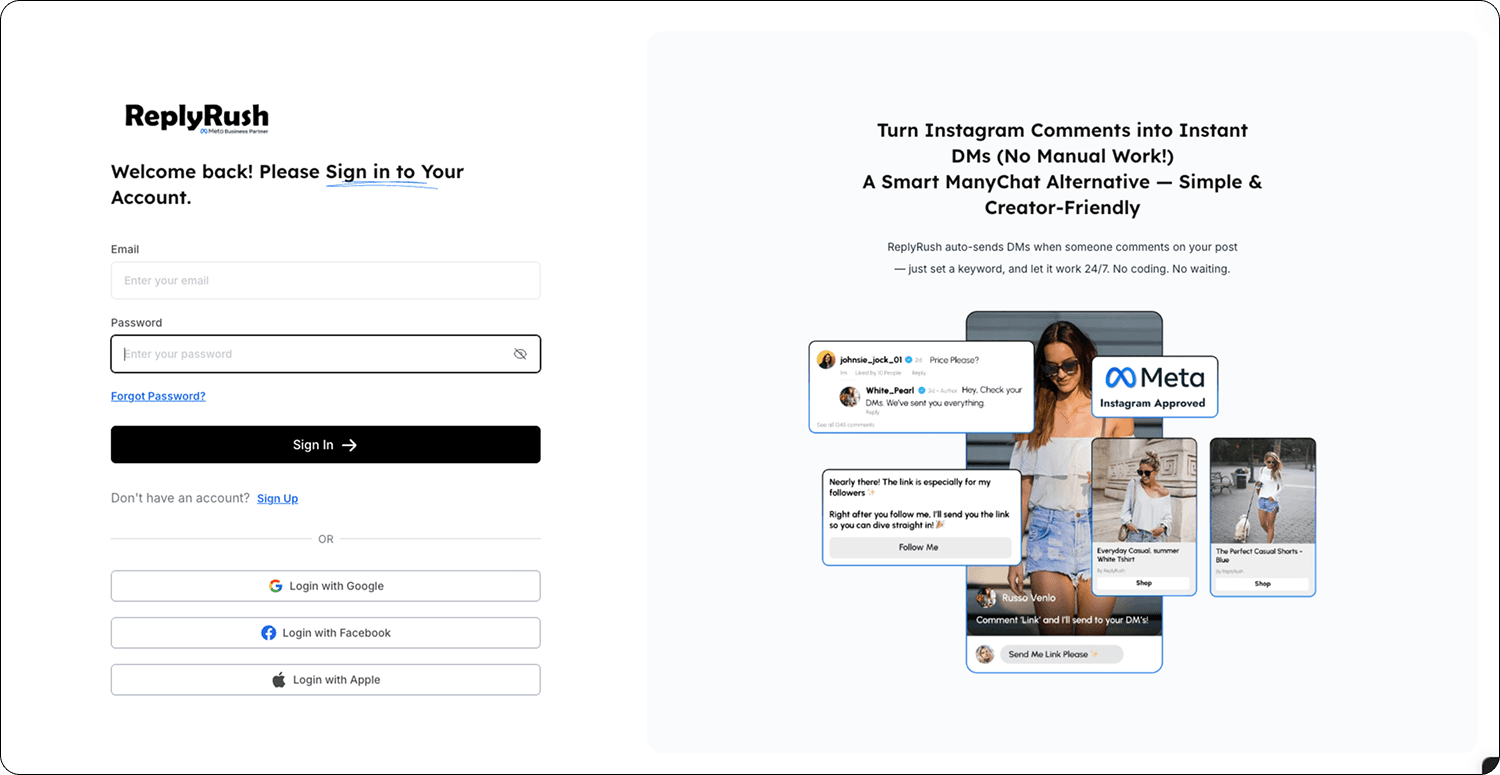
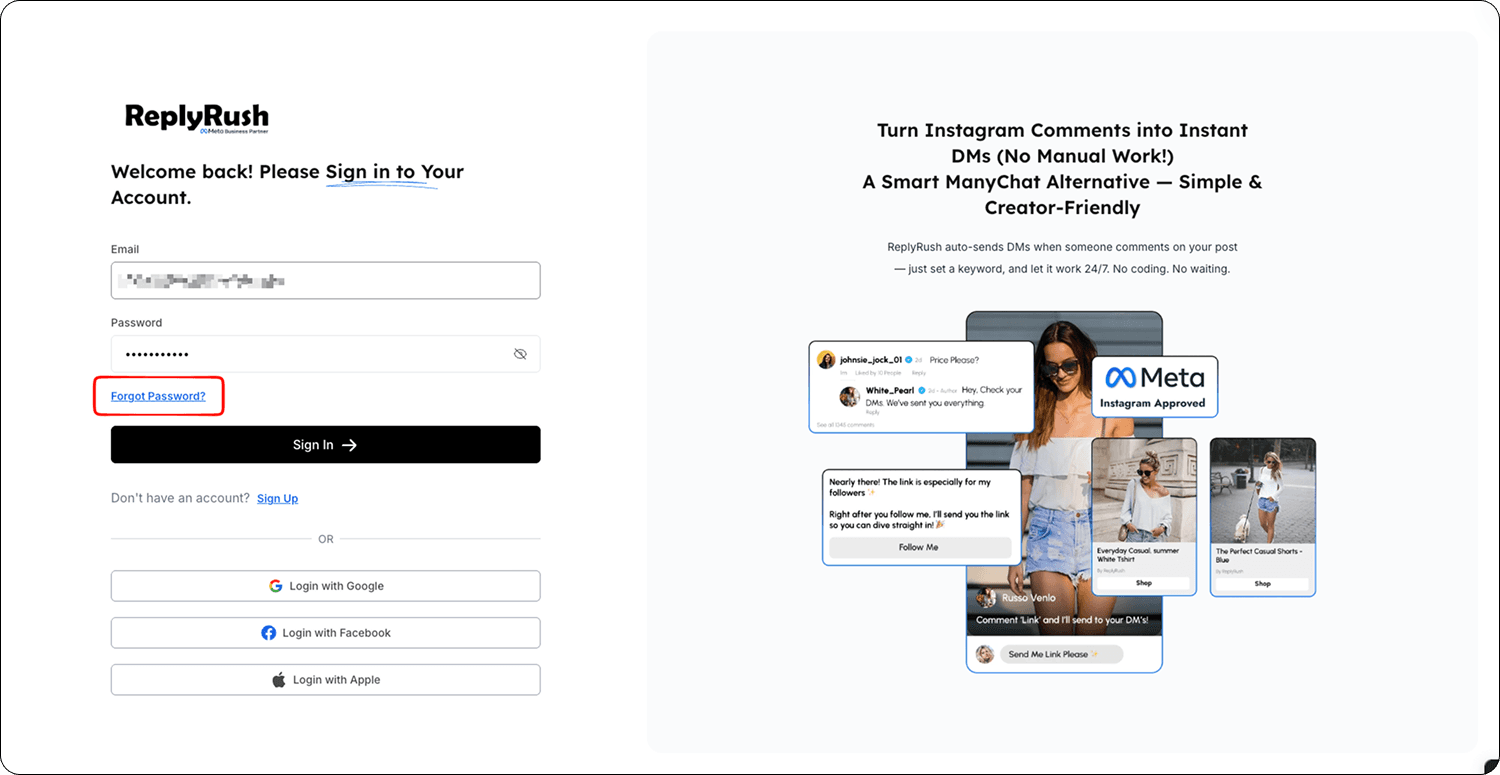
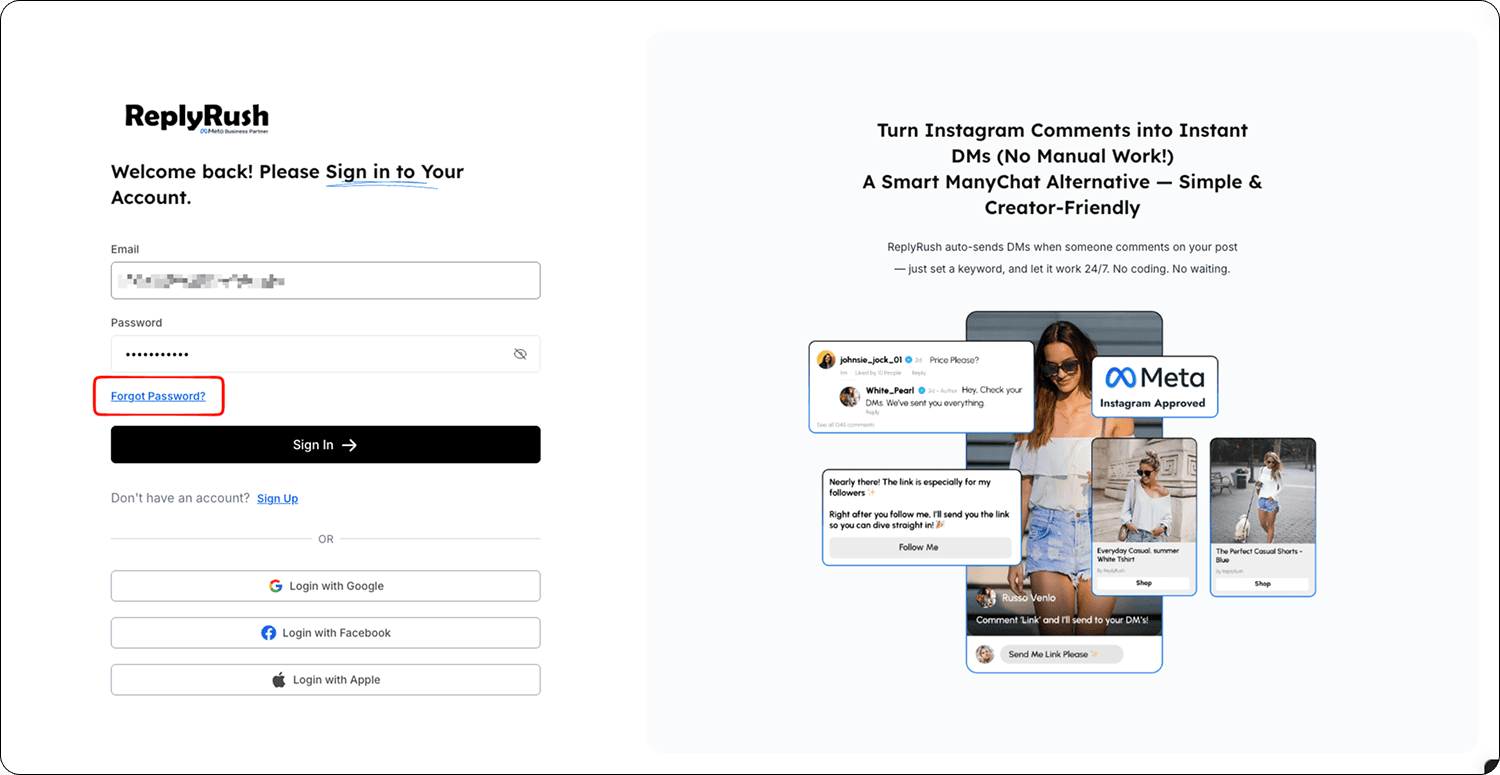
- Click Forgot Password? under the login form.
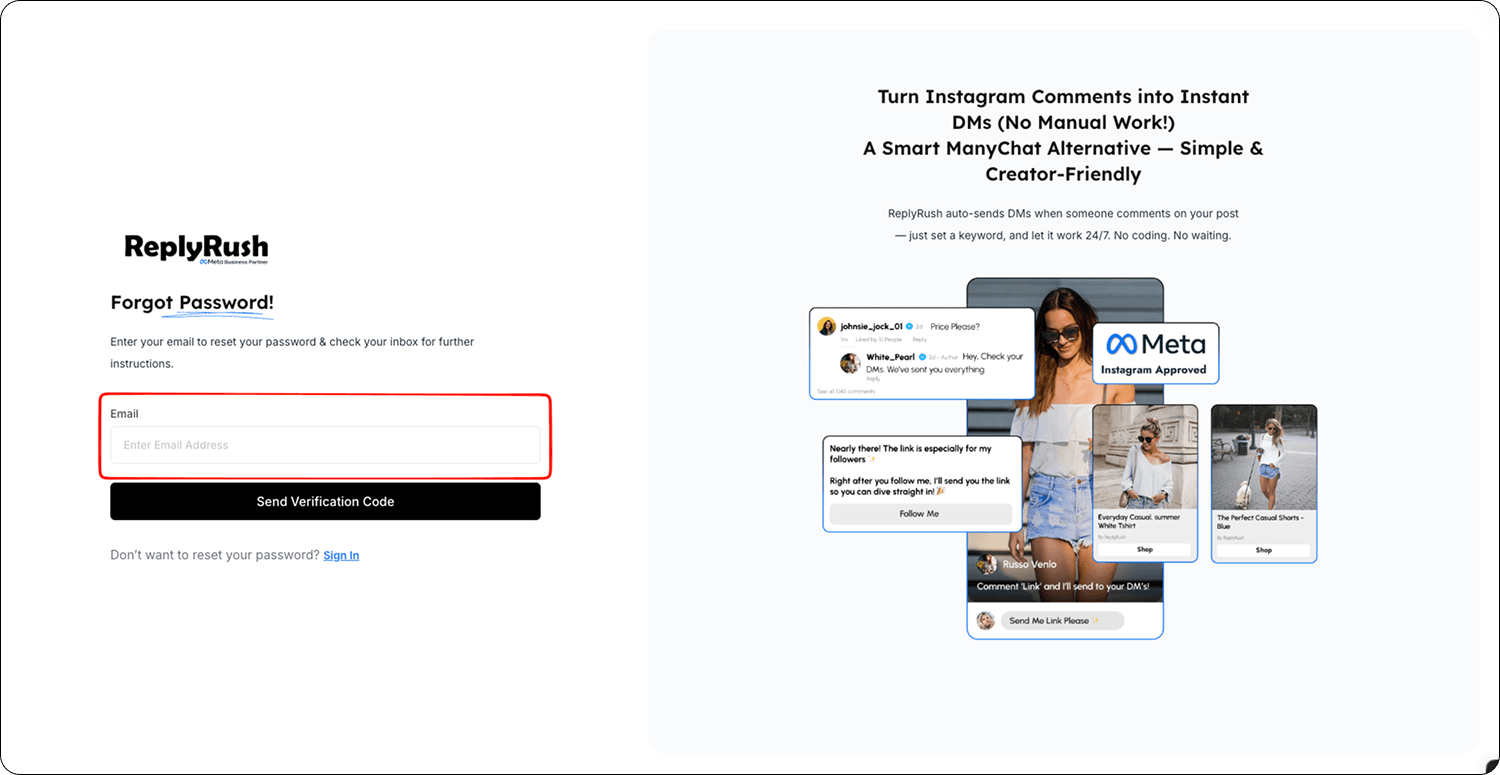
- Enter your registered email address.
- Check your email for the reset link and click it.
- Enter your new password and confirm.
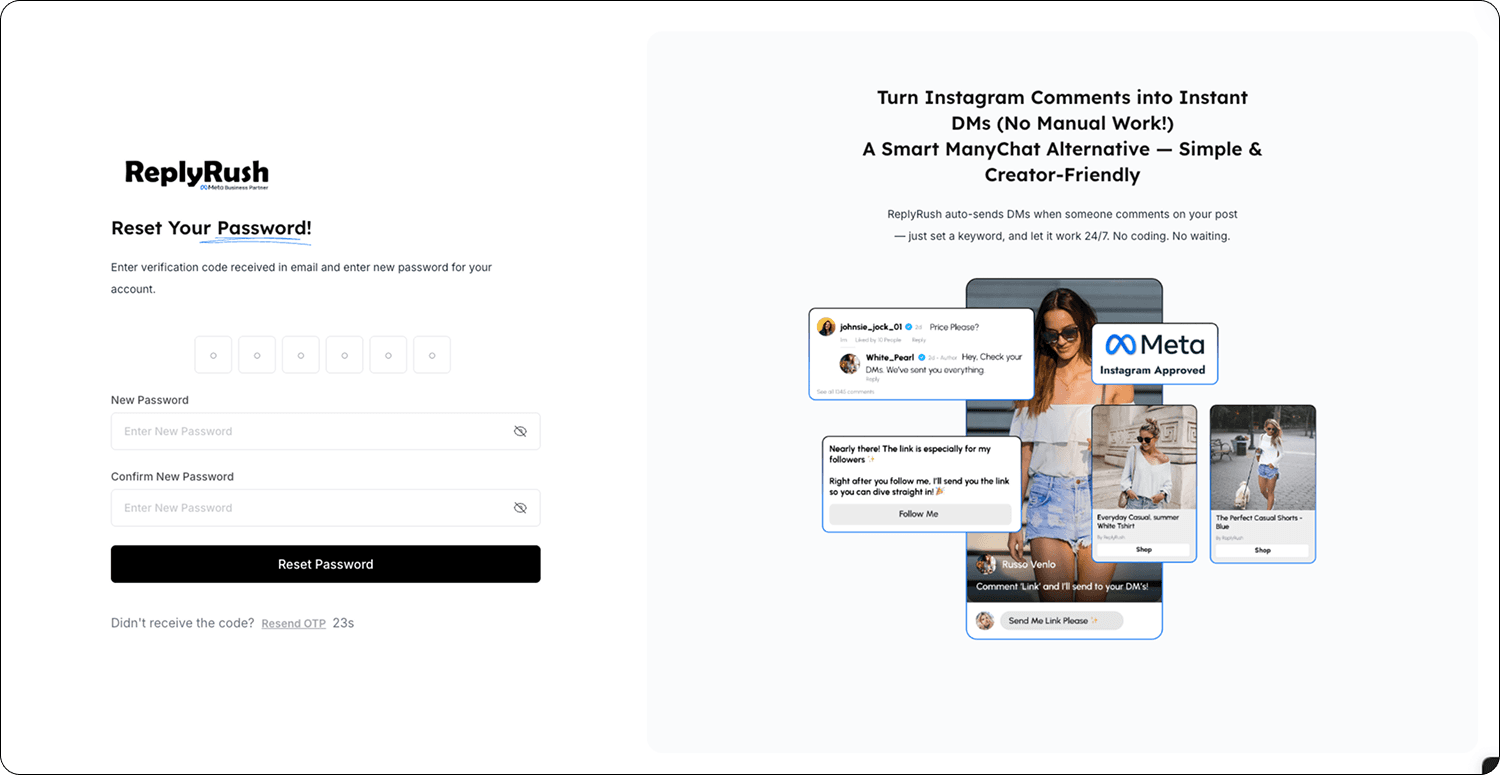
- Log in with your updated credentials.
Special Note for Google, Apple, or Facebook Login Users
- If you signed up using Google, Apple, or Facebook, you may not have a password set.
- To set one:
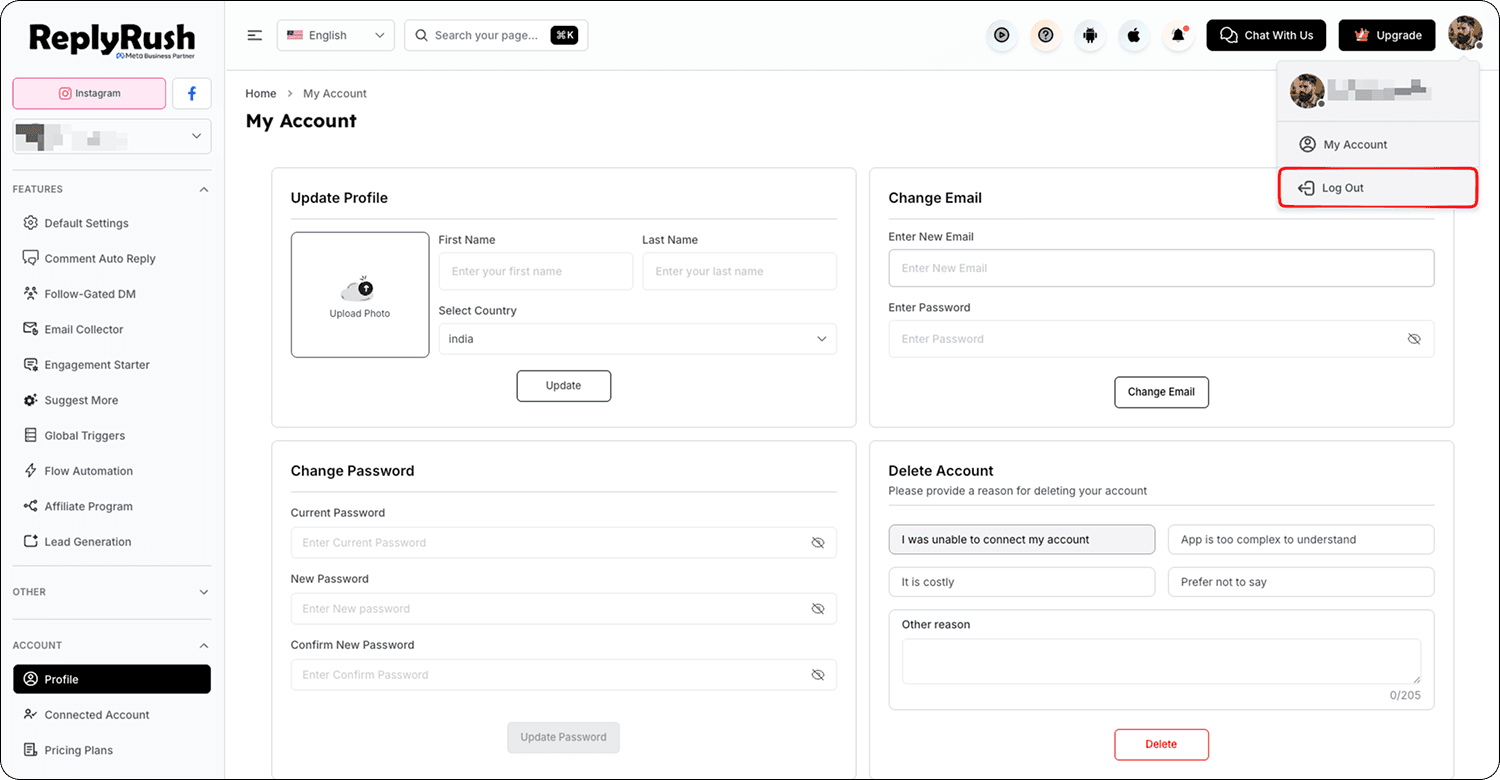
- Log out of ReplyRush.
- On the login page, click Forgot Password?.
- Enter the email linked to your social login.
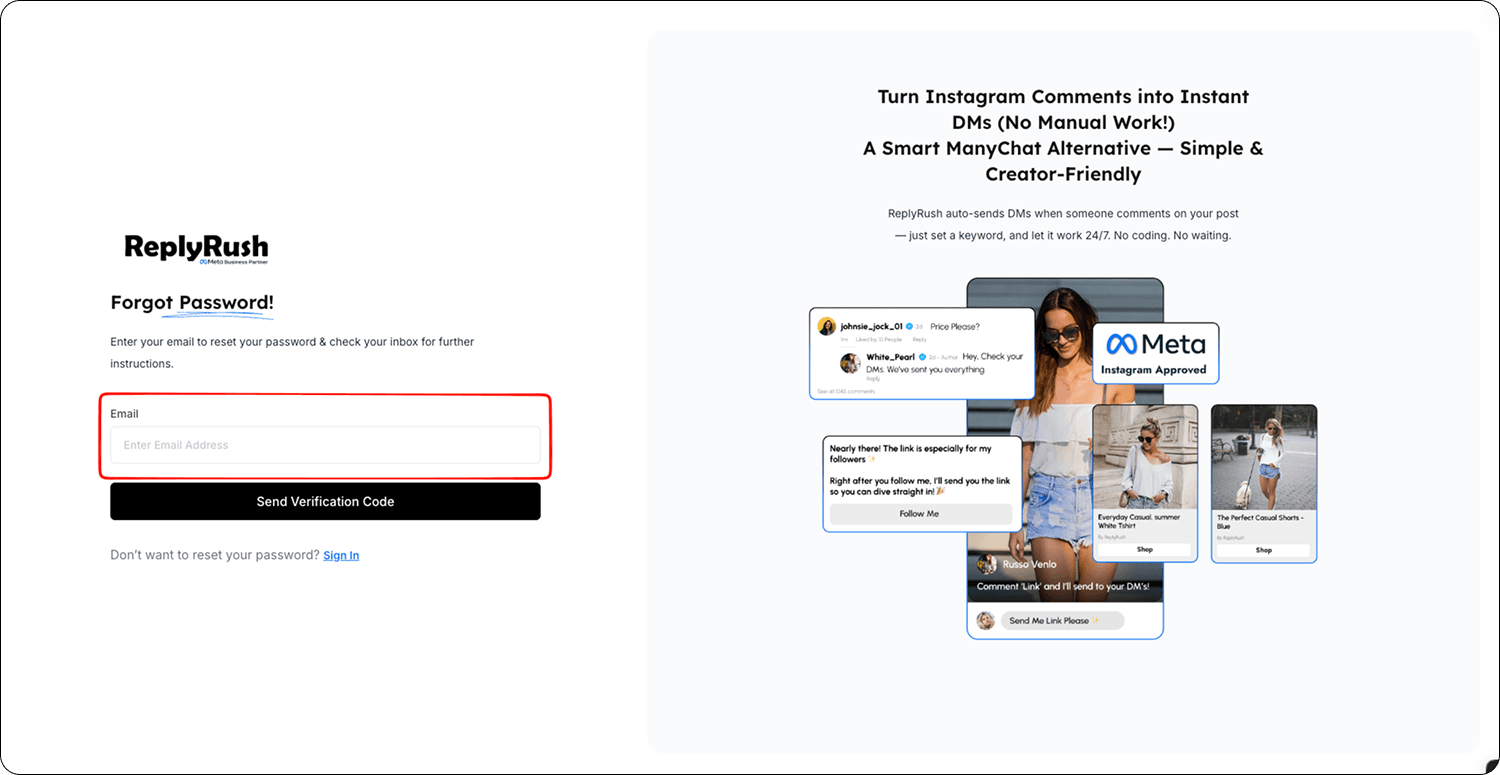
- Set a new password from the link in your email.
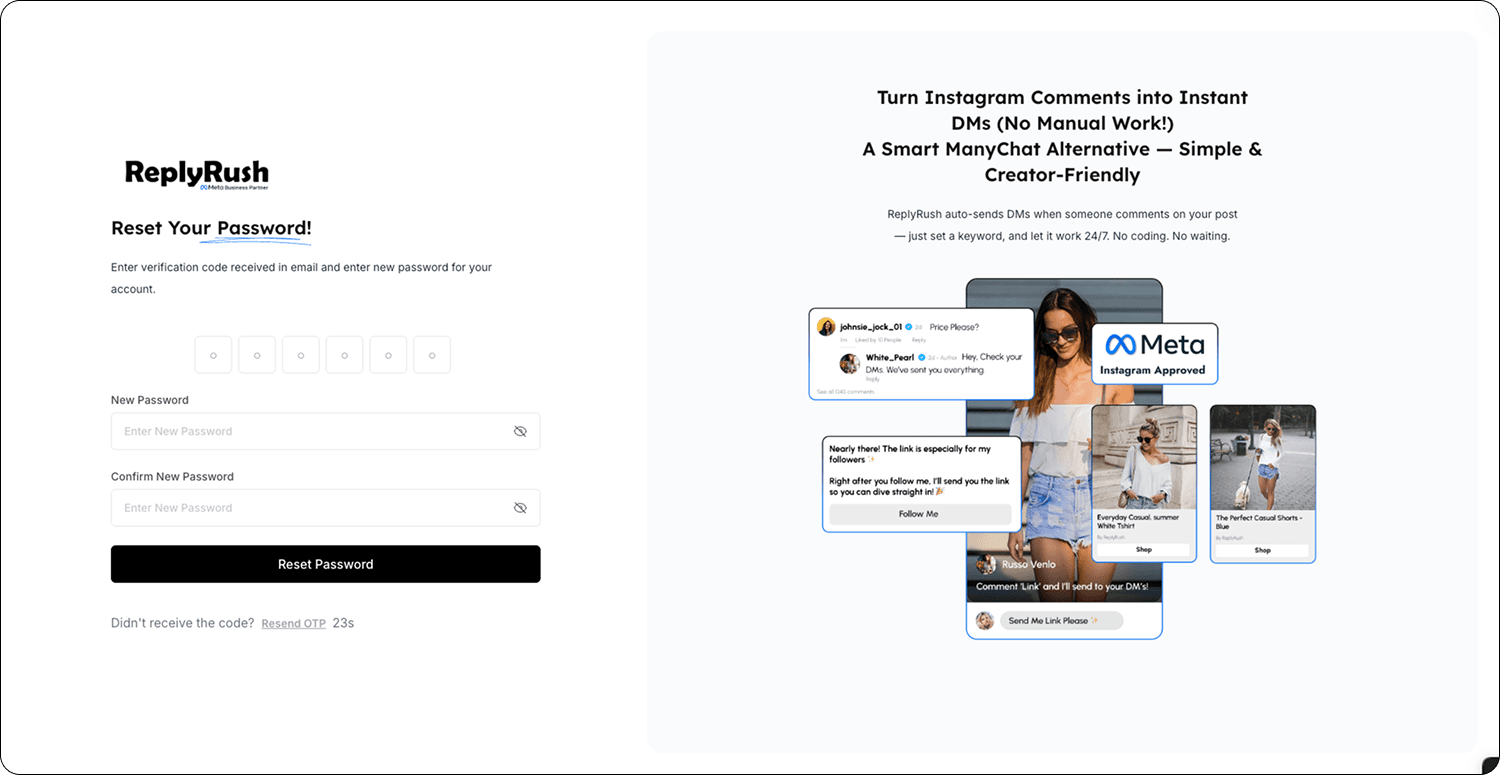
- Use this password for future direct logins or to make account changes that require password entry.
- Log out of ReplyRush.
Troubleshooting
- Didn’t receive the reset email
Wait 2–3 minutes and check Spam/Promotions folders.
Click Forgot Password? again to request a new link. - Password not accepted
Ensure it meets security requirements (minimum 8–12 characters, mix of letters, numbers, and symbols).
FAQs
Q: Will changing my password log me out of other devices?
A: Yes, for security reasons, all active sessions will require you to log in again.
Q: Can I still log in with Google/Facebook after setting a password?
A: Yes, social login will still work. Setting a password simply gives you another way to log in.